


BRL 257.28
BRL 285.87

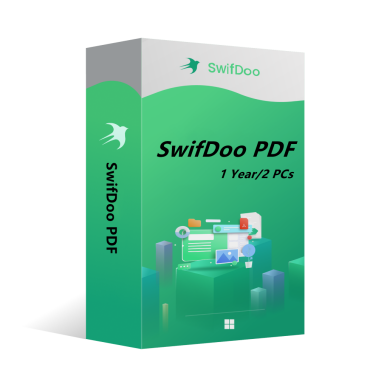



SwifDoo PDF is an all-in-one PDF editor. The program actually contains a lot of other PDF tools. Along with the editor feature, there are a variety of options to convert PDFs into more editable formats such as Word and PowerPoint files, and you can save space by combining individual PDF documents into one file.
l View and edit PDF documents.
l Compress PDF documents.
l Convert PDF files to other formats.
l Split and merge multiple PDF files.
l Sign and password protect PDF documents.
l Add/Remove watermarks to PDF documents.
l OCR
OS: Win 11, 10, 8, 7, and XP (32 & 64)
License Type: 1 license for 2 PCs
The activation code is the "1-Year Pro" license, which supports 2 PCs with version upgrade protection. In such case, you need not to pay additional fee to upgrade the current version to each later version within 1 year.
To install SwifDoo PDF:
Run the setup program -> Accept License Agreement -> Select destination location -> Follow the installation guide -> Finish
Online Registration
After acquiring a SwifDoo PDF license key, visit and login the user center at https://www.swifdoo.com/usercenter and a Redeem-Code window pops up. At this time, you need to copy the activation code you received and paste it into the Redeem-Code box, then press Submit. By doing these, you have finished online registration.
Notes
For a successful registration, please make sure no blank is left in any location of the activation code.